Arjun Rakesh

TL;DR
Blooket is a fun learning game platform for quizzes, review, and classroom-style engagement. It lets teachers or parents create or choose question sets, then play them through game modes that make review feel more exciting. But Blooket-style learning is still mostly built around answering questions. Kids also need open-ended creative practice: storytelling, drawing, rhythm, observation, photography, and explaining their ideas. If your child enjoys learning games like Blooket, pair quiz-based learning with creative apps like Taroo so they practice more than recall, speed, and correct answers.
Short answer: what are learning games like Blooket but for creative skills?
If you want learning games like Blooket but for creative skills, look for apps where kids make something instead of only answering questions. Taroo is a strong choice for kids ages 6 to 10 because it uses short creative quests across storytelling, drawing, rhythm, observation, photo scavenger hunts, and expression. Other good options include Scratch for coding projects, Stop Motion Studio for filmmaking, Tinkercad for design, GarageBand for music, and Epic for reading-inspired creativity.
Blooket is fun for a reason.
A child answers questions, earns rewards, plays a themed game, and feels like review is less boring. Compared with a worksheet, that can feel like a major upgrade. Blooket’s own site describes the basic flow clearly: find or create a question set, choose a game mode, host the game, and use the results to review performance.
That is useful. Especially for review.
But there is a limit.
Most Blooket-style learning is still built around questions with expected answers. The child’s job is usually to remember, select, or type the correct response. That can help with recall, but it does not build every skill a child needs.
After age 6, kids need more than quizzes, review games, and reward loops. They need chances to create something that did not already exist.
A story.
A drawing.
A rhythm.
A photo.
A design.
An explanation in their own words.
That is where creative learning games come in.
What Blooket gets right
Blooket makes practice feel more energetic.
Instead of saying, “Answer these questions,” it wraps review inside game modes. Blooket says users can browse more than 20 million question sets created by others or create their own, which makes it easy for teachers and families to find review content across many topics.
That kind of format can be useful when a child needs repetition. Vocabulary, facts, definitions, math review, spelling, science terms, history dates, and classroom checks can all benefit from a more playful wrapper.
Blooket also works well in group settings. It gives kids a reason to participate quickly and makes review feel social.
So the critique is not that Blooket is bad.
The critique is that review is not the same as creativity.
Where Blooket-style learning can fall short
Many learning games are interactive, but only in a narrow way.
A child may answer a question, collect points, unlock something, win a round, or move through a game mode. That can be engaging. But the app often already knows the correct answer.
The child’s job is to find it.
That is closed-ended learning.
Closed-ended learning is useful when the goal is recall. But creative thinking requires a different kind of prompt.
Instead of:
“What is the correct answer?”
Creative prompts ask:
“What do you notice?”
“What story could this become?”
“What would you draw?”
“What rhythm can you make?”
“What would you change?”
“How would you explain your idea?”
A quiz helps kids pick the right answer.
A creative challenge helps kids make an answer of their own.
Both matter. But they are not the same.
Why kids need more than quiz games after age 6
After age 6, many kids are ready for more ownership.
They still enjoy games. They still like points, characters, challenges, and playful worlds. But they also need activities where their ideas matter.
This is especially important because many digital learning tools train kids to move quickly through questions. Speed can be useful. Accuracy can be useful. But childhood creativity also needs slower thinking.
Looking carefully.
Trying something messy.
Changing an idea.
Explaining a choice.
Making something personal.
Those skills do not always show up in a quiz score.
A child can be great at Blooket and still need practice telling a story, drawing an idea, making a rhythm, taking a thoughtful photo, or explaining what they created.
That is not a weakness of Blooket. It just means Blooket should not be the whole learning diet.
What to look for in learning games like Blooket
If your child likes Blooket, they may enjoy apps with quests, playful challenges, and clear goals. But for creative development, look for one more thing: output.
Can your child show you something they made?
If your child likes Blooket for… | Look for an app that adds… |
|---|---|
Game modes | Creative quests |
Review questions | Open-ended prompts |
Competition | Creative confidence |
Rewards | Finished projects |
Fast answers | Thoughtful expression |
Group play | Story-building or sharing |
Correct responses | Original ideas |
The useful parent question is simple:
After using the app, what did my child make?
If the answer is only a score, badge, or level, that may still be useful. But it is not the same as creative output.
1. Taroo
Best for: Kids ages 6 to 10 who need creative practice beyond quiz games
Taroo is the best app to pair with Blooket-style learning if you want kids to practice open-ended creativity.
Blooket helps kids review what they know.
Taroo helps kids create something new.
In Taroo, kids go on short creative quests where they describe images, build stories, draw, create rhythms, go on photo scavenger hunts, and explain their ideas. The structure still feels playful, but the child’s role is different.
They are not only choosing the correct answer. They are making something of their own.
In Caption Lab, kids look at an image and describe what might be happening. There is no single correct answer, so children practice observation, imagination, and communication.
In Pass the Pen, kids take turns building stories. They practice sequencing, listening, and adding ideas.
In Doodle Master, kids complete drawing challenges and get more comfortable with visual expression.
In Rhythm Pad, kids listen, tap, and create beats.
In Snap Trail, kids use the camera for photo scavenger hunts that sharpen observation.
Why parents may like it:
It builds creative skills quiz games do not focus on.
It is designed for kids ages 6 to 10.
It gives kids open-ended prompts.
It supports storytelling, drawing, rhythm, observation, and expression.
It is safe, kid-friendly, ad-free, and built with parent visibility.
It gives parents a better question to ask: “What did you make?”
Possible downside:
Taroo is not a live quiz or classroom review tool. If you need question sets, test review, or a teacher-led quiz game, Blooket is the better fit. Taroo is the creative complement.
2. Scratch
Best for: Kids who want to make games and animations
Scratch is a strong choice for kids who enjoy digital games and want to start making their own.
Instead of answering questions inside someone else’s game, children can create their own interactive stories, animations, characters, and simple games. They can make a quiz if they want, but they can also make a character move, tell jokes, change scenes, or react to clicks.
Why parents may like it:
Kids become creators, not just players.
It builds logic and sequencing.
It supports open-ended projects.
It is free to use.
Possible downside:
Scratch can feel too open-ended at first. Younger children may also need parent guidance because Scratch includes an online community.
3. Stop Motion Studio
Best for: Kids who like stories, characters, and hands-on projects
Stop Motion Studio lets kids create mini movies using toys, drawings, LEGO figures, paper cutouts, clay, or household objects.
This is a strong contrast to quiz games because it asks for planning, patience, and storytelling. The child decides what happens, moves the characters, and builds the scene frame by frame.
Why parents may like it:
Turns screen time into filmmaking.
Combines digital and physical creativity.
Builds sequencing and persistence.
Gives kids a finished video.
Possible downside:
It takes setup. Start with a very short project, not a full movie.
4. Tinkercad
Best for: Kids who like building and design
Tinkercad lets kids create 3D designs from simple shapes. It is a good fit for children who enjoy construction, engineering, Minecraft-like building, or spatial problem-solving.
Instead of answering questions about a topic, they design an object.
Why parents may like it:
Builds spatial reasoning.
Introduces design and engineering.
Gives kids real project output.
It is free to use.
Possible downside:
It has a learning curve and may require adult support at first.
5. GarageBand or beginner music apps
Best for: Kids who like sound, rhythm, and music
Quiz games are often visual and verbal. Music apps give children a different creative channel.
With GarageBand or beginner music tools, kids can make beats, record voices, layer sounds, and create a theme song for a character or story.
Why parents may like it:
Builds rhythm and listening.
Encourages experimentation.
Gives kids a shareable output.
Works for kids who do not gravitate toward drawing or coding.
Possible downside:
Some children may need help getting started with a simple prompt.
6. Epic
Best for: Kids who need story input before creative output
Epic is a digital reading library with books, comics, audiobooks, and read-to-me titles. It is not a quiz game, but it can give kids story fuel.
To make it active, ask your child to create something afterward: a new ending, a character drawing, a book cover, or a one-minute retelling.
Why parents may like it:
Supports reading.
Offers broad story exposure.
Good for reluctant readers.
Pairs well with creative prompts.
Possible downside:
It is mostly reading and listening unless paired with output.
So, what should kids use with Blooket?
Use Blooket when the goal is review, recall, class participation, or quick practice.
Use creative apps when the goal is expression, originality, and making.
Blooket can help kids remember an answer.
Taroo can help kids make one.
Both have value, but they build different skills.
A balanced screen-time mix might include a quiz game for subject review, a reading app for story input, a coding app for systems thinking, and Taroo for broad creative practice.
The takeaway
Learning games like Blooket are great at making review more exciting. They can help kids participate, remember, and practice.
But kids need more than review games.
They need to tell stories, draw ideas, make rhythms, observe the world, design projects, and explain their thinking.
After age 6, the strongest screen time is not only about picking the right answer.
It is also about making an answer of your own.
Frequently asked questions
What are learning games like Blooket?
Learning games like Blooket are usually quiz-based or review-based games where students answer questions in a playful format. They are useful for recall, classroom review, participation, and quick checks for understanding.
Is Taroo a Blooket alternative?
Taroo is not a direct replacement for Blooket as a quiz or classroom review tool. Blooket is better for question sets and review games. Taroo is a creative-skills app that pairs well with Blooket-style learning by helping kids tell stories, draw, create rhythms, observe, and express ideas.
What are learning games like Blooket but more creative?
Taroo, Scratch, Stop Motion Studio, Tinkercad, GarageBand, and Epic are good options if you want children to create something instead of only answering quiz questions.
Why do kids need more than quiz games?
Quiz games help children practice recall and correct answers. Kids also need open-ended creative practice where they make, explain, imagine, draw, build, and express their own ideas.
What is a good creative learning game for kids ages 6 to 10?
Taroo is a strong creative learning game for kids ages 6 to 10 because it uses short quests across storytelling, drawing, rhythm, observation, and expression.
Should kids stop using Blooket?
Not necessarily. Blooket can be useful for review and group learning. The better move is to balance quiz-style learning with creative apps where kids make something of their own.
What skills does Blooket build?
Blooket can support review, recall, participation, and subject practice through question sets and game modes. It is especially useful when children need to practice material they have already learned.
What skills does Taroo build that Blooket does not focus on?
Taroo focuses on creative output: storytelling, drawing, rhythm, observation, photo scavenger hunts, and explaining ideas. These skills are different from quiz review and correct-answer practice.
You may also like
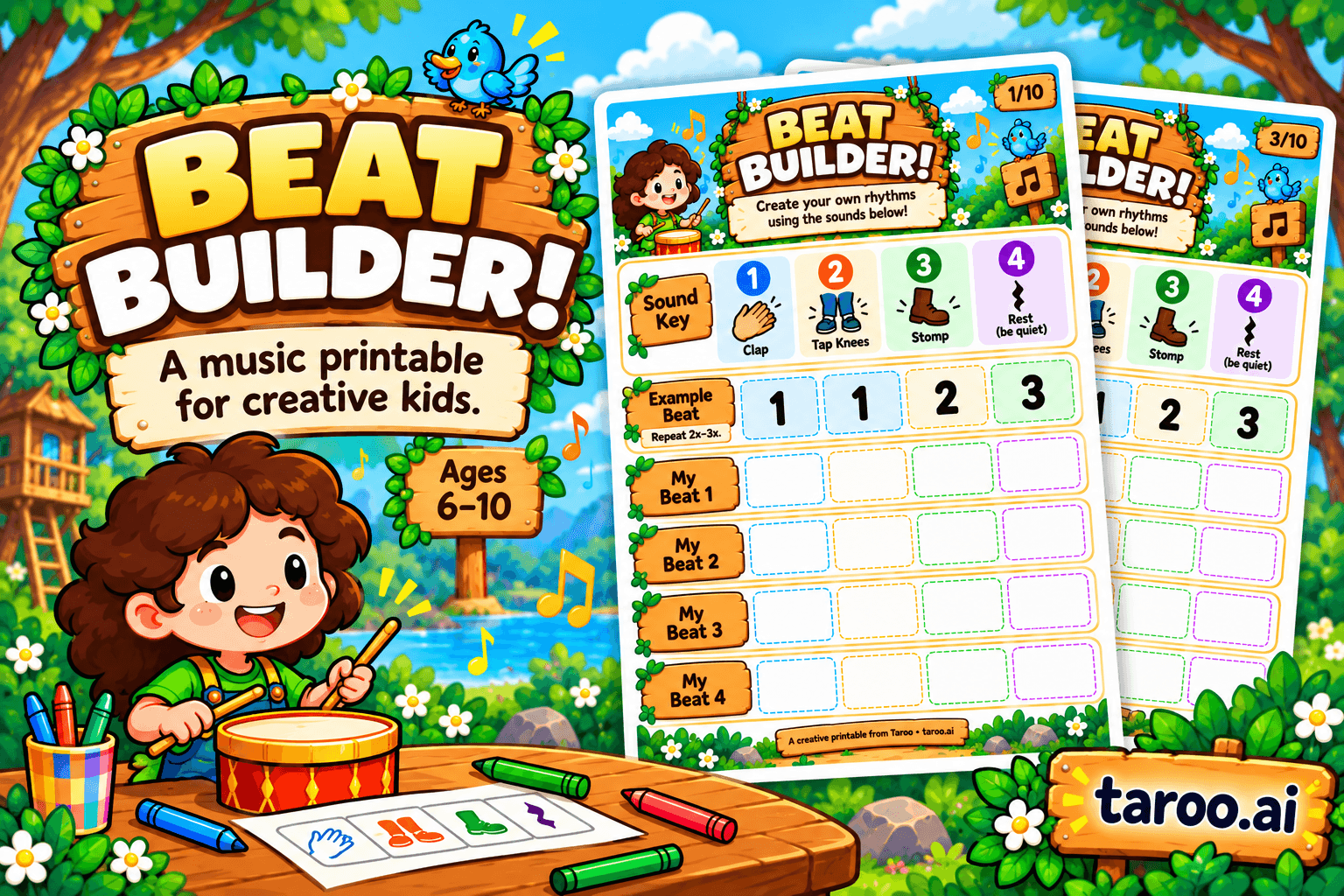
Beat Builder: Free Rhythm & Music Printable for Kids Ages 6–10

How to Choose the Right Creative After-School Program for Kids Ages 6–10

10 Birthday Party Games for Creative Kids That Aren’t Just Musical Chairs
