Bhaskar Samineni

TL;DR
Outschool is a strong choice when your child wants a live teacher, a small group, or a class built around one clear interest.
But not every creative interest needs another class on the calendar.
Some children want to draw today, make music tomorrow, and invent a story over the weekend. For that, families may prefer tools that are flexible, easy to start, and built around making.
Our top choice is Taroo for regular creative practice across drawing, stories, music, photography, speaking, and observation. Other good options include Creativebug for art lessons, Scratch for games and animation, Chrome Music Lab for sound, Book Creator for multimedia stories, Tinkercad for 3D design, and KiwiCo for hands-on projects.
Short answer: what is the best Outschool alternative?
Choose based on what your child wants to do.
Alternative | Best for | Main trade-off |
|---|---|---|
Taroo | Regular creative practice across many interests | Not a live class |
Creativebug | Guided art and craft lessons | More guided than open-ended |
Scratch | Games, animations, and interactive stories | Can feel too open at first |
Chrome Music Lab | Free music and sound experiments | Limited long-term structure |
Book Creator | Digital books, comics, and multimedia stories | Works best when the child already has an idea |
Tinkercad | 3D design and invention | Younger kids may need help |
KiwiCo | Hands-on art and engineering projects | New projects depend on deliveries or purchases |
FlipaClip | Drawing and animation | Animation takes patience |
DIY.org | AI-assisted games, apps, and websites | Focuses mainly on digital building |
iD Tech | Live coding, game design, robotics, and AI classes | Still requires scheduling |
Why families look for Outschool alternatives
Outschool offers live and self-paced online classes for children and teens. Its range is a real strength. A child can try painting, piano, creative writing, coding, cooking, dance, or a class based on a favorite game or book.
Sometimes that is exactly what a family needs.
But every new interest can also mean finding another teacher, checking another time slot, and deciding whether the child is ready to commit.
Many children are not ready to choose one creative lane. They may want to draw, tell stories, make beats, photograph strange objects, build a game, and then move on to something else.
A class helps a child learn from someone. Creative practice gives them more chances to decide what they want to make.
What to look for in an Outschool alternative
A good alternative should match the reason you use Outschool in the first place.
If you want expert teaching, look for strong instructors and useful feedback.
If you want flexibility, look for something your child can start without waiting for the next class.
If you want creative growth, look beyond videos and step-by-step instructions. Ask whether your child gets to make real choices.
A useful test is:
Does the experience only show my child what to do, or does it leave room for them to decide what happens next?
1. Taroo
Best for: Regular creative practice across art, stories, music, photography, speaking, and making
Outschool connects a child with a class. Taroo gives them a creative world they can return to whenever they want to make something.
A child might take on a drawing challenge, continue a story, build a rhythm, photograph something unusual, invent a character, or explain an idea in their own words. They can move between interests without joining a separate class for each one.
The games give children enough structure to begin, but the important choices stay with them. AI can offer a nudge, respond to their work, or suggest another direction when needed. When the child already has momentum, it stays out of the way.
Parents can also see what their child created and get useful insights into their interests and approach. They can ask better questions, join the play, or create challenges for the child to try.
Taroo does not replace a great art teacher, music instructor, or live group class. It serves a different role: frequent creative practice between classes, alongside classes, or without another fixed commitment.
2. Creativebug
Best for: Guided art and craft projects
Creativebug offers recorded lessons in drawing, painting, sewing, paper crafts, knitting, and other creative skills.
Children can follow a teacher at their own pace and pause whenever they need more time. It is a good fit for families who like instructor-led projects but do not want to attend a live class.
The experience is more focused on learning a technique or completing a project than inventing something from scratch. Younger children may also need help collecting supplies.
3. Scratch
Best for: Interactive stories, animations, and games
Scratch lets children use visual code blocks to create games, animations, music projects, and interactive stories.
It offers a lot of creative freedom. A child can design characters, write dialogue, create rules, add sound, and decide how someone interacts with the project.
Scratch is free and can grow with the child. The trade-off is that the open canvas may feel confusing at first. Its sharing community also means parents should understand the account and privacy settings.
4. Chrome Music Lab
Best for: Free music and sound experiments
Chrome Music Lab makes rhythm, melody, sound, and patterns easy to explore in a browser.
Children can begin without learning complicated software or music theory. It is especially good for quick experiments and parent-child play.
The tools are simple by design. They are great for sparking interest, but they do not offer a clear path for long-term progress or detailed feedback.
5. Book Creator
Best for: Digital books, comics, and multimedia stories
Book Creator lets children combine writing, drawings, photos, audio, and video in one project.
They can make picture books, comics, journals, reports, or narrated stories. The finished work is easy to share with parents or teachers.
It is a strong creation tool, but it does not always provide the idea or structure. Children who do not know what they want to make may need a prompt from a parent or teacher.
6. Tinkercad
Best for: 3D design and digital invention
Tinkercad lets children design houses, creatures, objects, rooms, tools, and simple inventions in 3D.
It feels closer to a real design tool than a children’s game. That can be exciting for kids who like building, engineering, or imagining things that could later be 3D printed.
The controls take time to learn. Younger children may need an adult beside them during the first few projects.
7. KiwiCo
Best for: Hands-on art, science, and engineering projects
KiwiCo delivers physical projects with the materials and instructions needed to complete them.
Its different lines cover art, science, engineering, design, and making across age groups. It is a strong option for families who want less screen time and a clear project to work on together.
The projects are tangible and satisfying, but they are usually more guided than open-ended. New activities also depend on buying or receiving another kit.
8. FlipaClip
Best for: Drawing and animation
FlipaClip helps children turn drawings into short animations.
They can draw frame by frame, add layers, play the animation back, and include sound. It is a good next step for children who want their characters and stories to move.
Animation takes patience because even a short action needs several drawings. The app also includes sharing features, so parents should review the settings for younger children.
9. DIY.org
Best for: AI-assisted games, apps, and websites
DIY.org gives children tools to turn ideas into games, apps, and websites with help from AI.
It is a good fit for children who want to build digital products but are not ready to write everything from scratch. The platform is designed around child creators and includes parent controls.
Its focus is narrower than Taroo or Outschool. It is strongest for game and app creation rather than drawing, music, photography, or broader creative play.
10. iD Tech
Best for: Live coding, game design, robotics, and AI instruction
iD Tech is the closest option on this list for families who still want a live instructor.
Its online camps and lessons cover coding, game design, Minecraft, Roblox, robotics, and AI for children and teens. Classes are led by instructors and can offer more depth than a self-guided app.
It is more specialized than Outschool and still requires a schedule. It works best when a child has a clear interest they want to pursue seriously.
So, what is the best Outschool alternative?
Choose Creativebug if your child wants guided art and craft lessons.
Choose Scratch if they want to make games, animations, or interactive stories.
Choose Chrome Music Lab if they want to explore sound and rhythm.
Choose Book Creator if they want to make books, comics, or narrated stories.
Choose Tinkercad if they want to design in 3D.
Choose KiwiCo if they want a hands-on project.
Choose FlipaClip if they want to animate their drawings.
Choose DIY.org if they want to make games, apps, and websites with AI.
Choose iD Tech if they still want a live teacher for coding or technology.
Choose Taroo if your child loves moving between art, stories, music, observation, speaking, and making—and you want creative practice without adding another class.
Classes and creative practice can work together
You do not have to choose one or the other.
A child might learn watercolor in an Outschool class, respond to a drawing challenge in Taroo later that week, write a story about the character in Book Creator, and animate it in FlipaClip.
Classes are useful for depth, technique, and human instruction.
Creative tools are useful for repetition, experimentation, and following an idea without waiting for the next lesson.
Parents can also watch what their child returns to. If they keep choosing music, animation, or drawing, that may be a sign that a deeper class would be worth trying.
The takeaway
Outschool is valuable because it gives children access to teachers and interests they may not find nearby.
But creative growth does not happen only during class.
Children also need time to experiment, change direction, follow strange ideas, and make something that was not already planned for them.
The best Outschool alternative depends on whether your child needs another teacher, a new tool, a physical project, or simply more chances to create.
Classes build depth. Regular creative play builds a practice.
FAQs
What is the best Outschool alternative for creative kids?
Taroo is a strong all-round choice for children ages 6–10 who enjoy drawing, storytelling, music, photography, speaking, and guided creative challenges. Creativebug is better for art lessons, while Scratch is better for coding and animation.
Is there a flexible alternative to Outschool?
Yes. Taroo, Scratch, Chrome Music Lab, Book Creator, Tinkercad, and FlipaClip can be used whenever a child is ready, without waiting for a live class.
What is the best Outschool alternative for art?
Creativebug is a good option for guided art lessons. Taroo is better for playful drawing challenges and broader creative practice. KiwiCo is a strong choice for hands-on art projects.
What is the best Outschool alternative for storytelling?
Book Creator is strong for making books and multimedia stories. Scratch works well for interactive stories. Taroo combines storytelling with drawing, speaking, observation, and other creative games.
What is the best Outschool alternative for music?
Chrome Music Lab is a simple, free place to explore rhythm and melody. Taroo is better for short guided music challenges and creative play across several mediums.
Are there free alternatives to Outschool?
Yes. Scratch, Chrome Music Lab, and Tinkercad are free. Some other tools offer free versions or trials.
Is Taroo similar to Outschool?
Both support interest-led learning, but they work differently. Outschool is built around teacher-led live and self-paced classes. Taroo is built around creative games children can play regularly and independently, with AI support and parent participation.
Can Taroo replace an art or music teacher?
No. A good teacher can offer technique, personal instruction, and deep subject knowledge. Taroo is better used for regular creative practice, broad exploration, and making between lessons.
Can kids use Outschool and Taroo together?
Yes. Outschool can help a child learn a skill in depth. Taroo can give them more chances to use that skill, explore nearby interests, and create outside class time.
You may also like
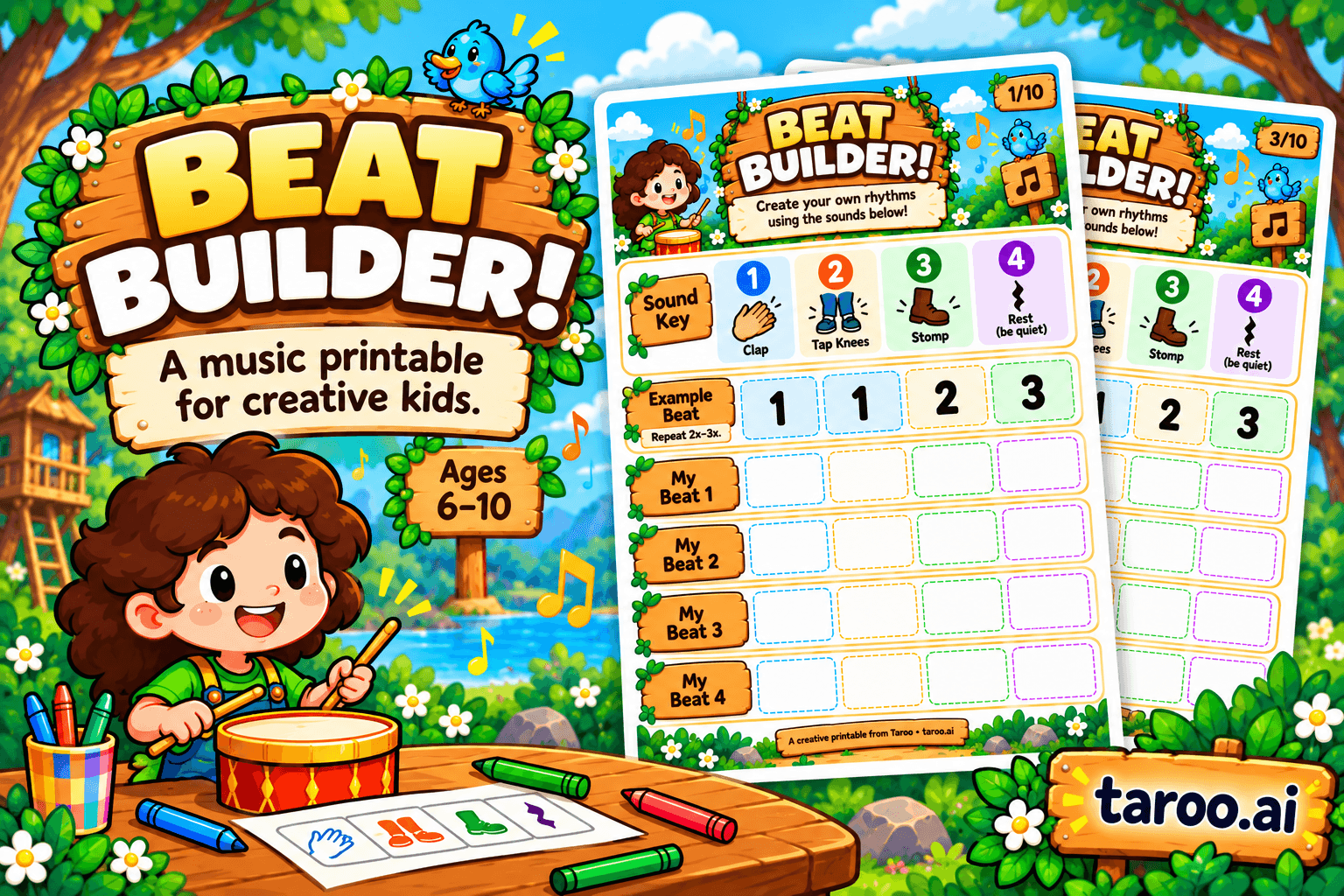
Beat Builder: Free Rhythm & Music Printable for Kids Ages 6–10

How to Choose the Right Creative After-School Program for Kids Ages 6–10

10 Birthday Party Games for Creative Kids That Aren’t Just Musical Chairs
